Learn what triggers are in Zapier and how they work with KIMP360.
A trigger in Zapier is an event that starts a Zap. When the specified event happens in your connected app (such as KIMP360), Zapier will automatically begin the workflow you have set up.
A trigger is the starting point for any Zapier automation (Zap).
When the trigger event occurs in KIMP360 (for example, when a new card is created), Zapier will run the actions you have defined in your Zap.
Each Zap can have only one trigger, but it can have multiple actions.
Example: If you set up a Zap with the trigger New Card Created in KIMP360, every time a new card is created, Zapier will automatically perform the actions you specify (such as sending an email or updating a spreadsheet).
Stay tuned for a list of available KIMP360 triggers and setup instructions!
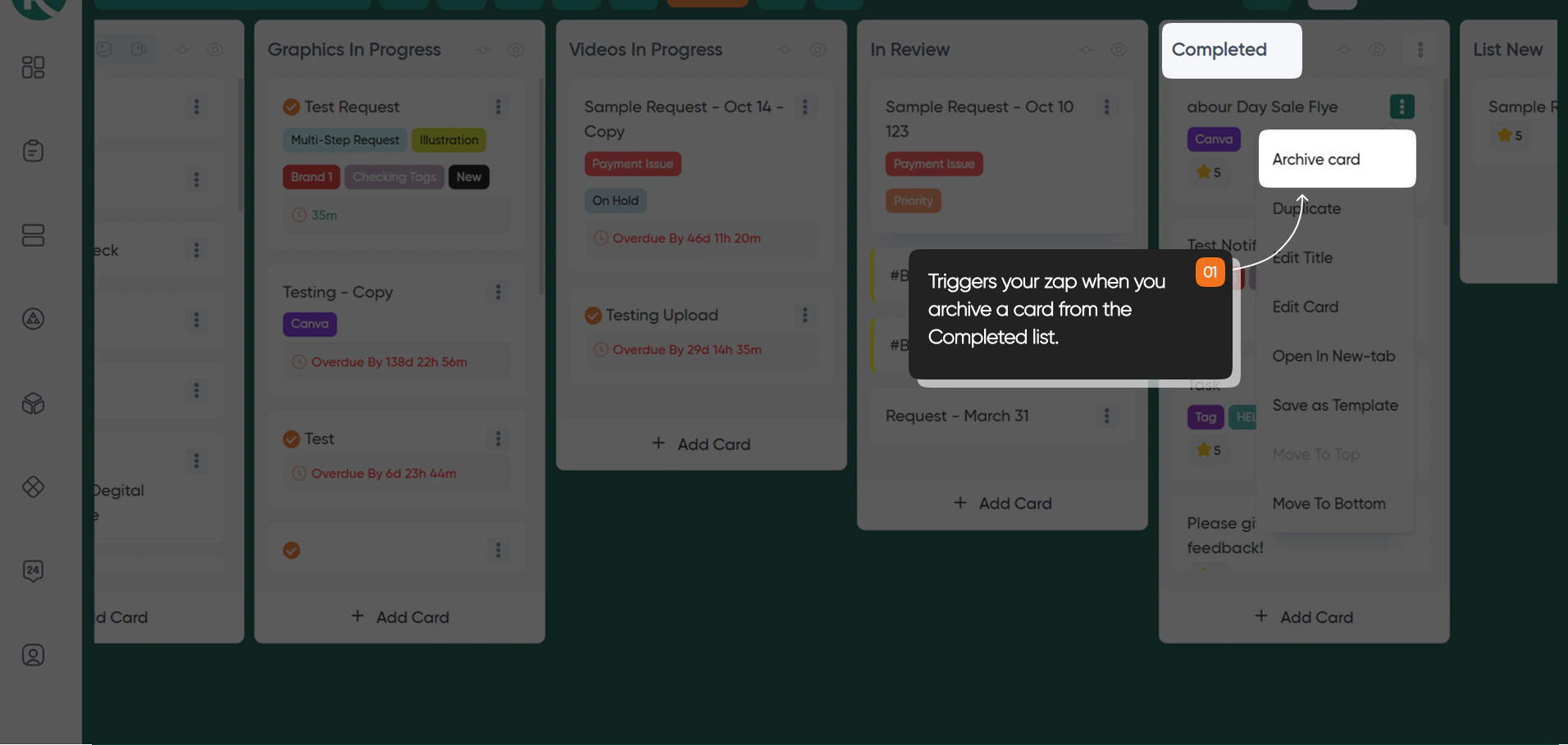
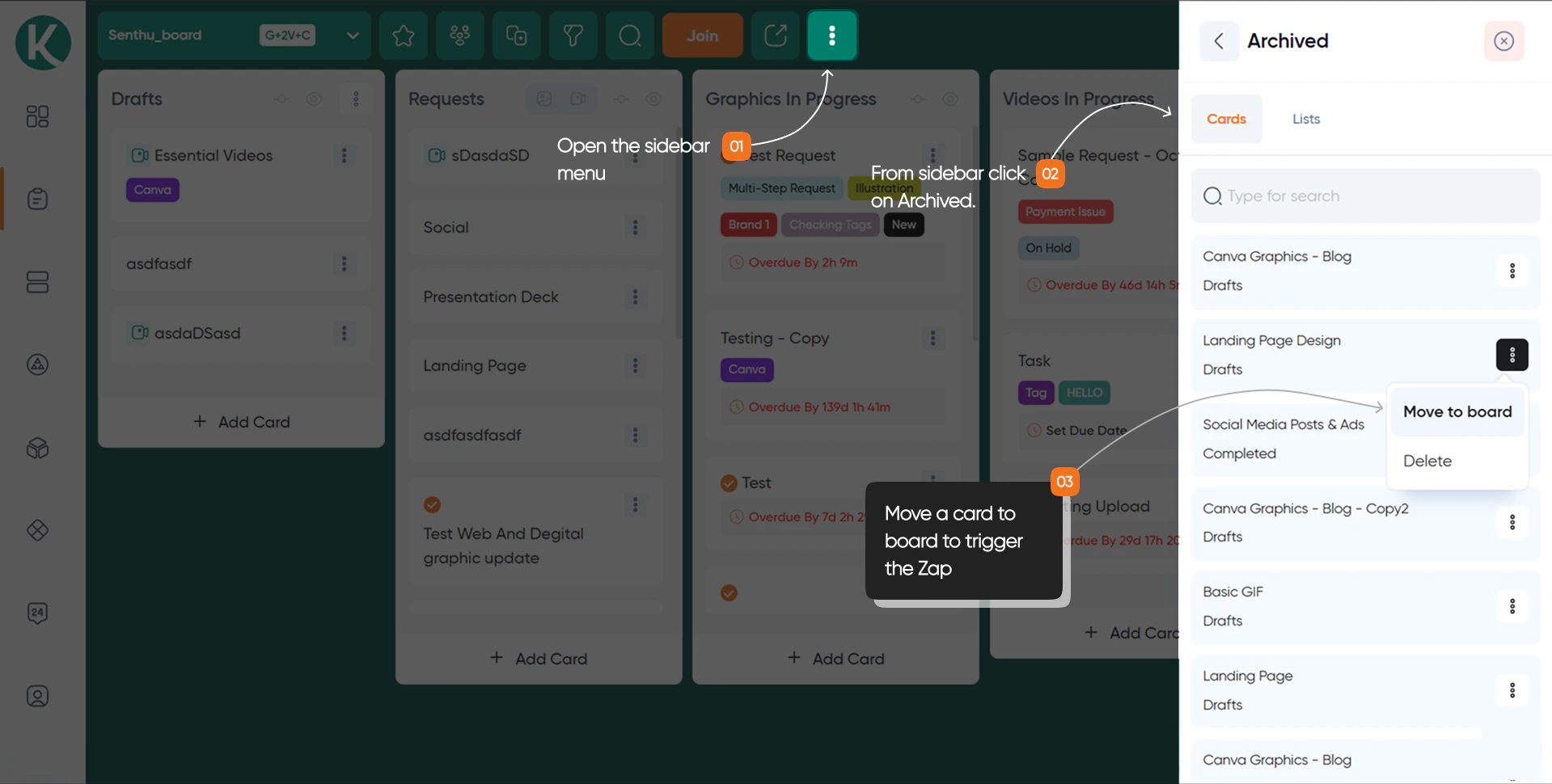
Instantly triggers your Zap when you mark a card status as Archived from either the Drafts or Completed lists in your KIMP360 dashboard, within the Requests page under any board.
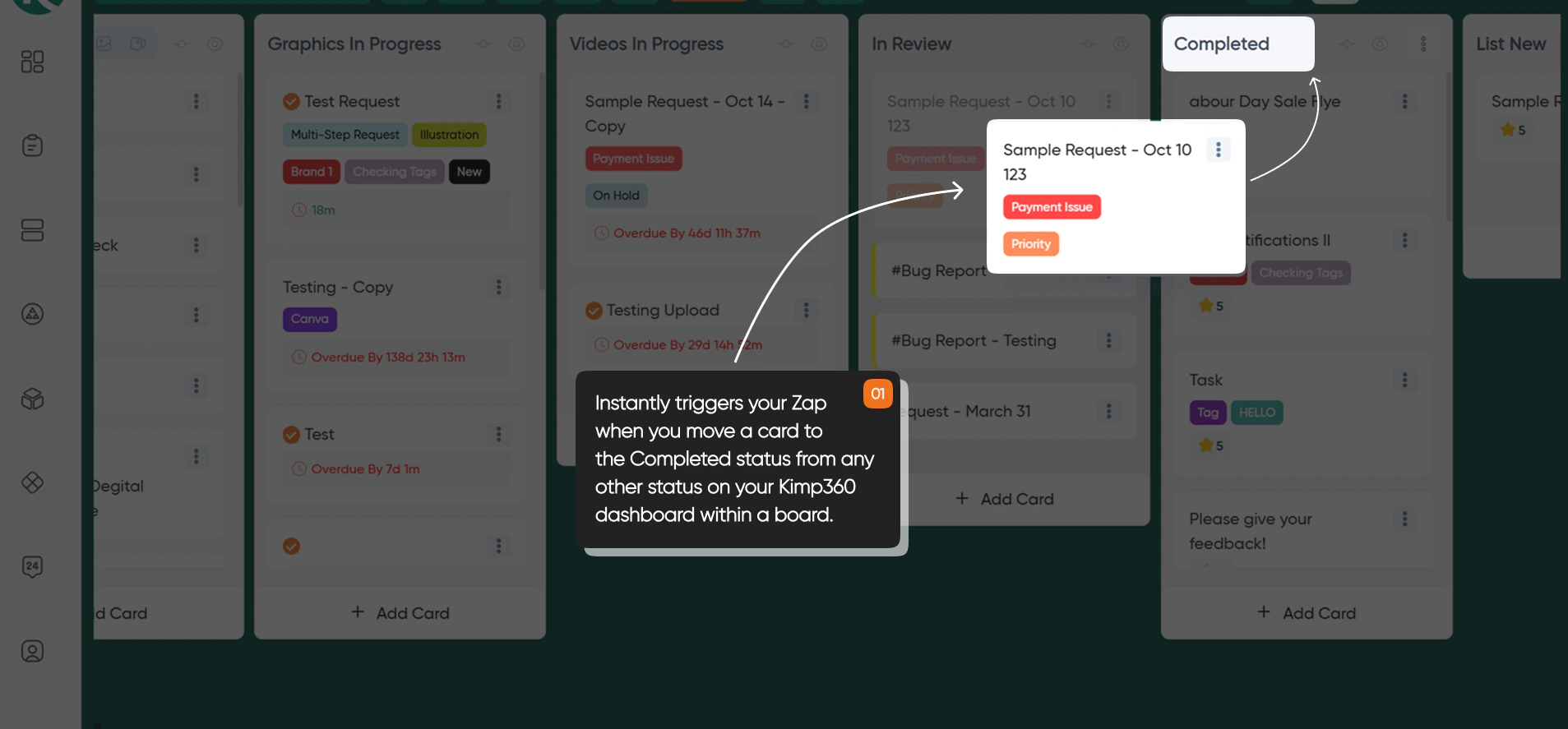
Instantly triggers your Zap when you move a card to the Completed status in your KIMP360 dashboard, within the Requests page under any board. Use this trigger to automate workflows whenever a task is marked as finished in a specific board within the Requests page.
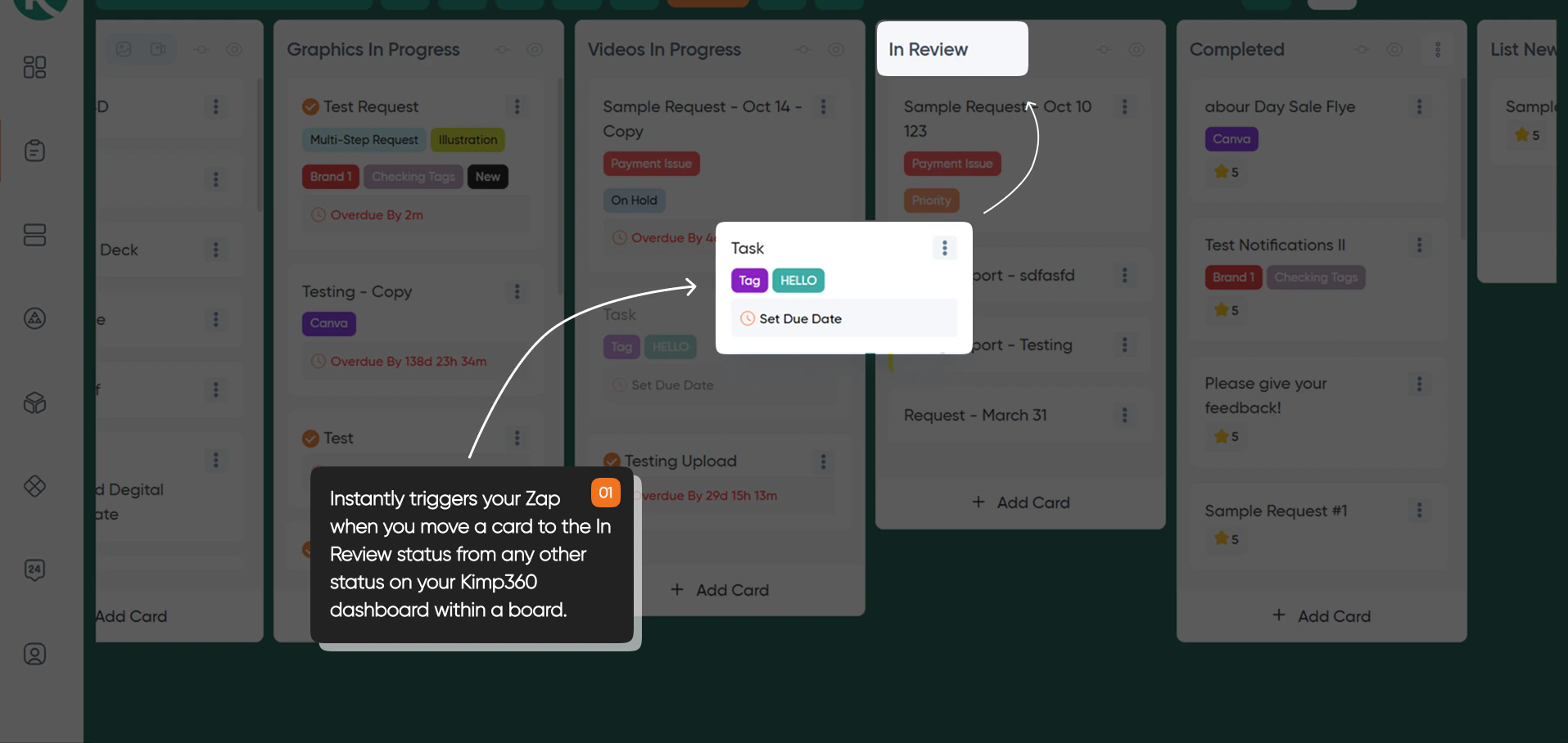
Instantly triggers your Zap when you move a card to the In Review status in your KIMP360 dashboard, within the Requests page under a specific board. Use this trigger to automate workflows whenever a task is ready for review in a specific board.