
Board access levels
You choose one of these for every board, individually, when you connect an app: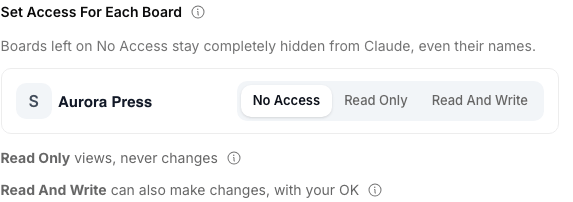
the consent screen's per-board access picker (None/Read Only/Read And Write per row)
Changing access later
Go to Settings → AI Apps, find the connection, and open Change Access to adjust any board at any time. No need to reconnect.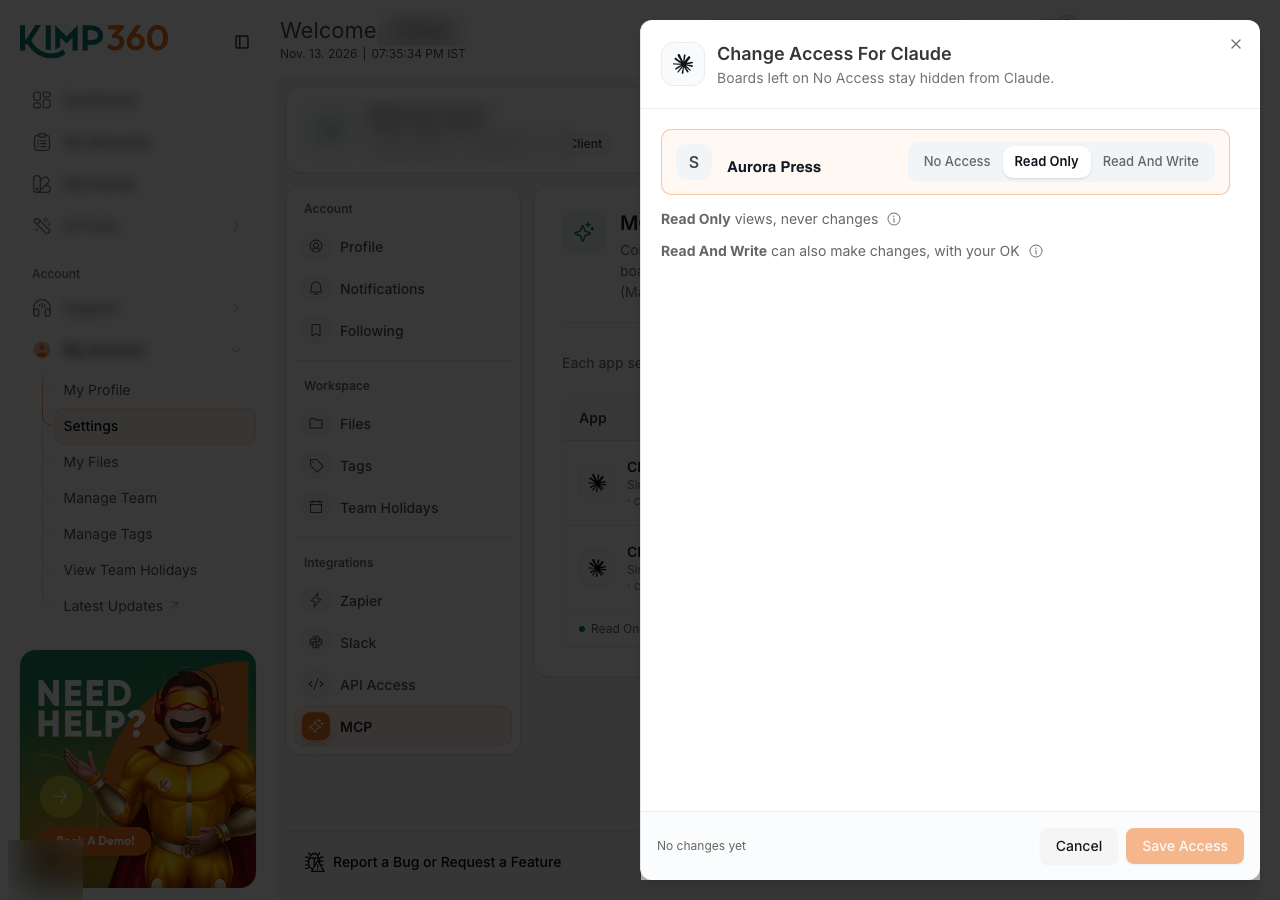
Settings → AI Apps, Change Access open on a connection
Disconnecting an app
From the same Settings → AI Apps page, revoke any connection instantly. The app immediately loses access to every board it had.What it can’t do
- It can’t act on text as instructions. Anything your AI app reads from KIMP360 (briefs, comments, notes, brand guidelines) is content written by people, not a command. Only you, talking directly to the app, can ask it to do something.
- It can’t make changes silently. Every write (creating a request, posting a comment, moving a card) is something your AI app confirms with you first, never a guess.
- It can’t see a board you haven’t granted it. Boards left on No Access are invisible, not just locked.