
Documentation Index

Fetch the complete documentation index at: https://docs.kimp360.com/llms.txt

Use this file to discover all available pages before exploring further.

Use this action when you want to automatically create tags in KIMP360 based on events in other systems. For example, when a customer reaches a certain plan, you can create or apply a tag that reflects their tier.

Configuration

Configure how the new tag should look:
  • Tag name – required. Map a field from your trigger or type a static name for your tag.
  • Background color (hex) (if available) – an optional color code like #FF0000.
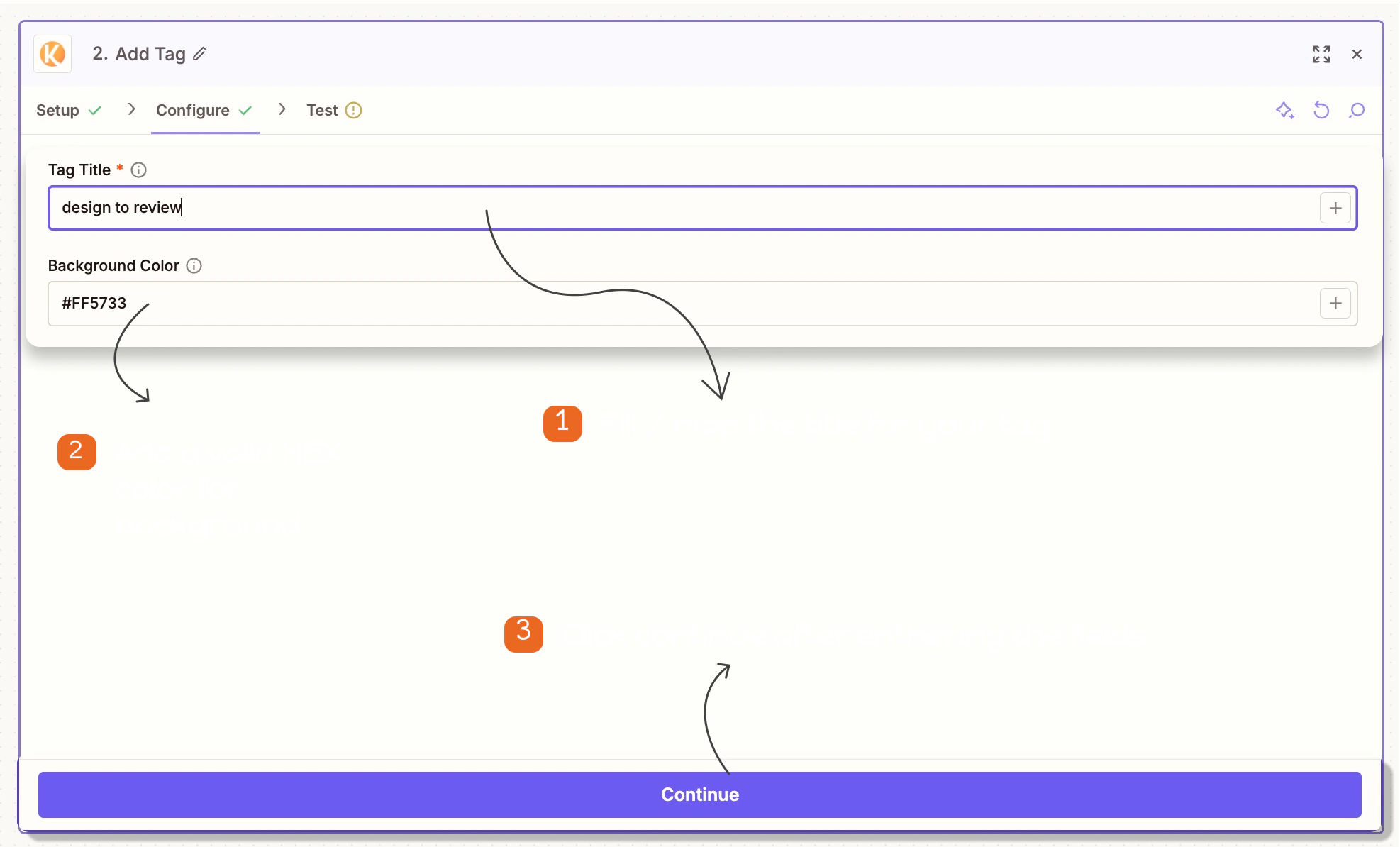
Add tag configuration in Zapier Notes:
  • If you leave background fields blank, KIMP360 will apply black color by default.