
- Look up a KIMP360 task by ID or other identifier.
- Archive the task when your business conditions are met.
Configuration
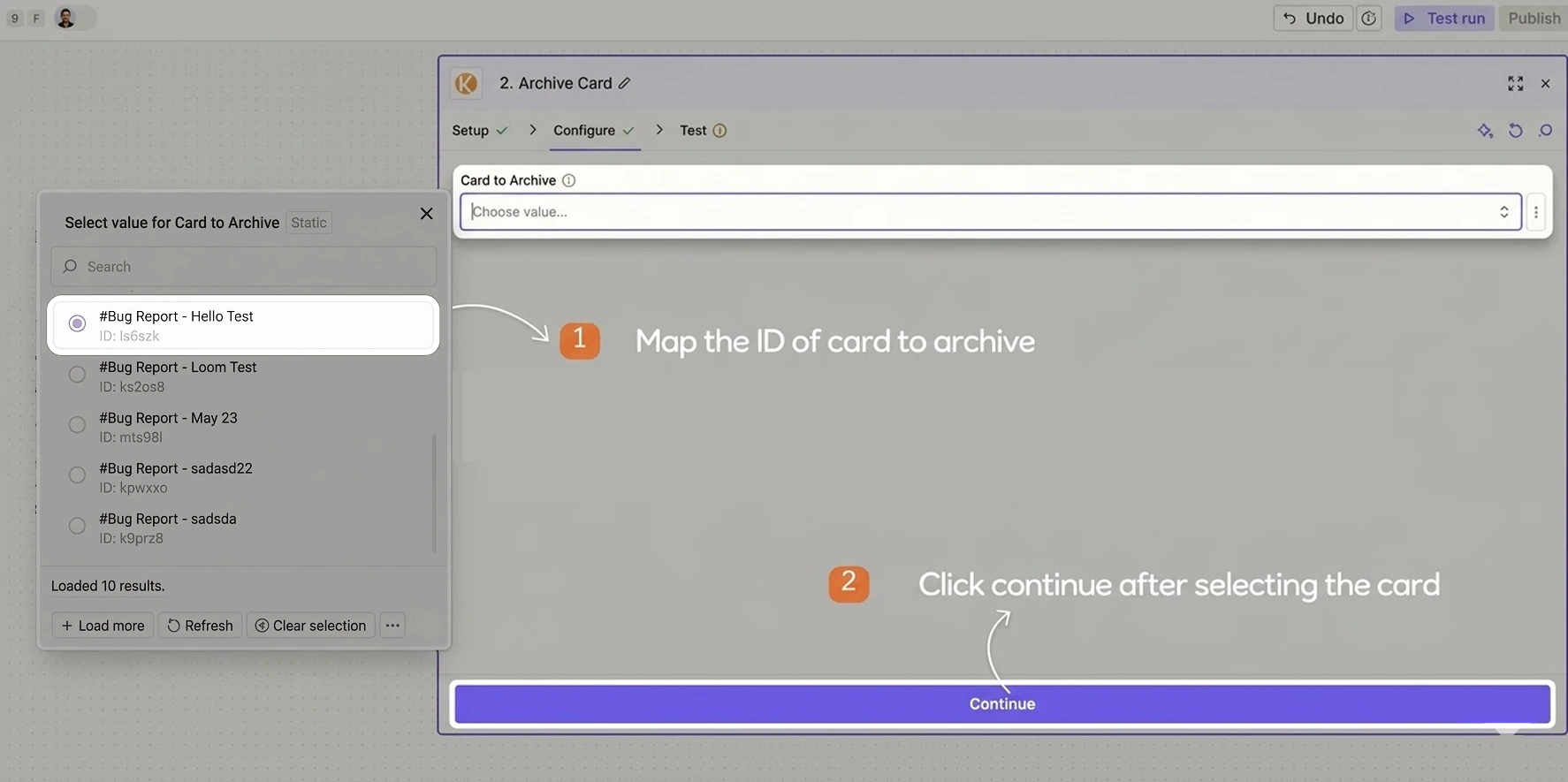
Configure the action so Zapier knows which task to archive:- Task ID / Reference – choose how to identify the KIMP360 task:
- Select a task from the dropdown or map a Task ID coming from an earlier step in your Zap
- Only tasks in an archivable status can be archived. Tasks that are still in Requests, In Progress, or In Review cannot be archived.