
How to set up your Slack app?
1
Log in to Your KIMP360 Dashboard
Go to your KIMP360 account. From the sidebar, click My Account > Settings, then open the Slack Integration tab.
2
Step 2
If Slack is already installed, you will see a page similar to this. 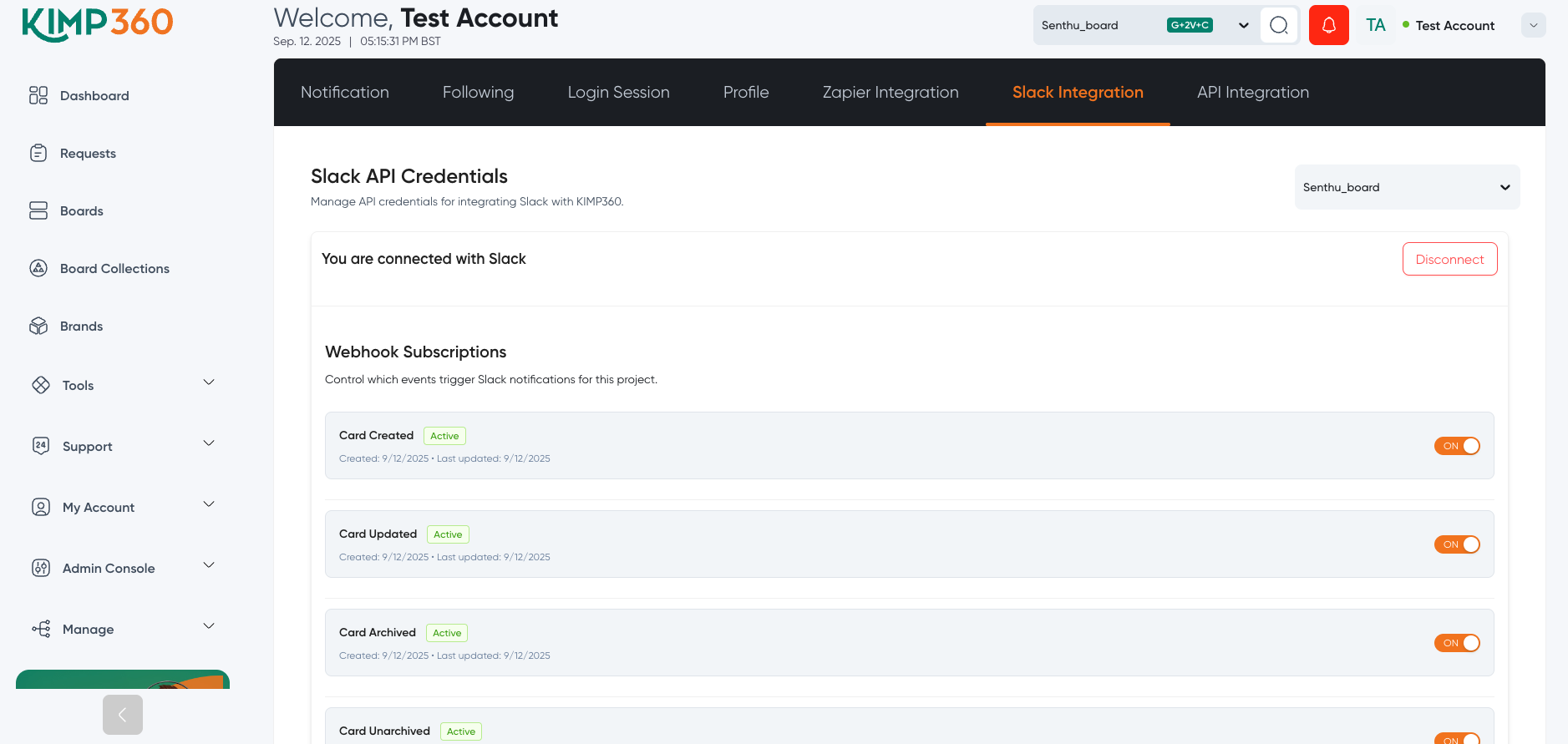
3
Step 2
You can disconnect by clicking the Disconnect button. You can also manage which notifications you want to receive.